More time for the important things in life
mingel brings together shopping list, recipes and meal plan for your whole household. Plan together, shop together, cook relaxed.
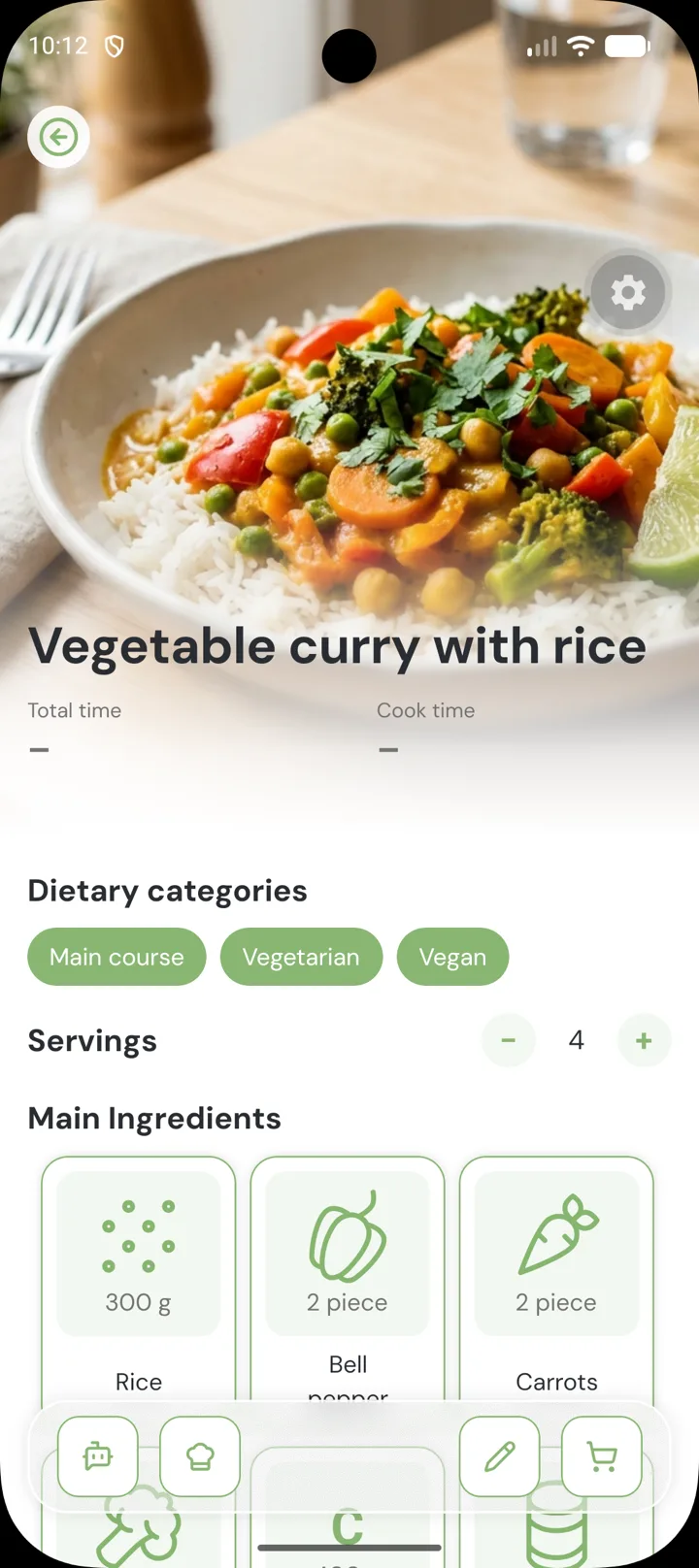
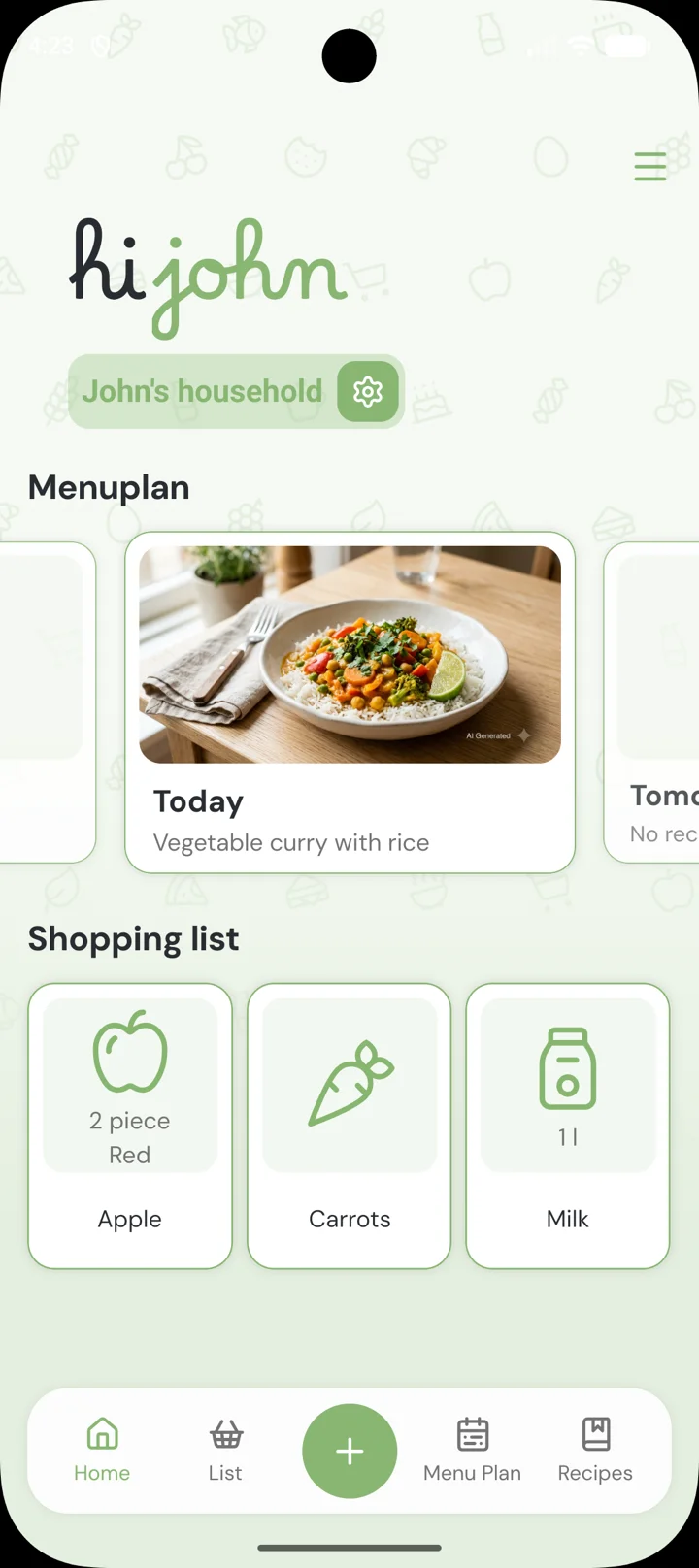
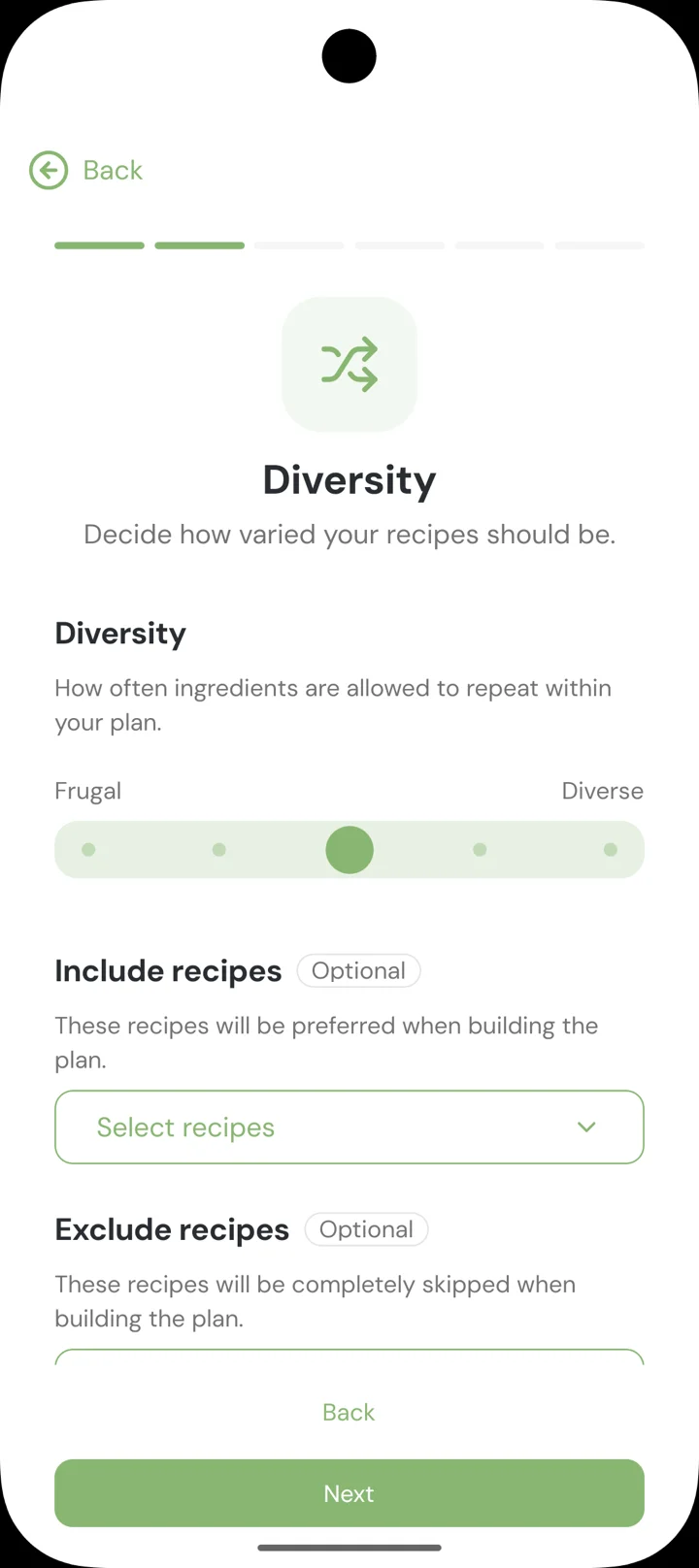
Everything for your household. In one app.
Shared shopping list
One list for everyone in the household, always in sync. Sorted by store layout so you never backtrack in the supermarket.
Your recipe collection
Recipes with photos, ingredients and steps in one place. Ingredients land on the shopping list with a single tap.
Meal plan for the week
Plan together what lands on the table and when. Everyone in the household sees the plan.
Share your household
Invite family or flatmates. Everyone sees the same lists, recipes and plans.
Finally cook relaxed.
Less planning, less stress. More time for what lands on the table.
Smart Import
Snap a photo, get the recipe. Fully automatic.
Smart Optimize
Enter a title, mingel fills in ingredients and steps with AI.
Smart meal plan
Pick the days, mingel plans the rest.
Multiple households
Its own list and meal plan for every home.
Try free for 7 days. Cancel anytime.
Frequently asked questions
What is mingel?
mingel is an app that brings together shopping list, recipes and meal plan for your household in one place, so you can plan together and cook relaxed.
How does mingel protect my data?
We only process your data to provide the features of the app. You can find the details in our privacy policy.
Is mingel free?
mingel's core features are free. With mingel Pro you unlock additional features like Smart Import and Smart Optimize.
Which platforms is mingel available on?
mingel is available for iOS and Android.
How do I share my household with others?
Invite family or flatmates to your household in just a few taps. Everyone sees the same shopping list, recipes and meal plan, in sync in real time.
Can I manage multiple households at once?
With mingel Pro you can create multiple households, for example for a shared flat, family and holiday home, each with its own shopping list and meal plan.
Why is my shopping list sorted?
mingel sorts your shopping list by your supermarket's layout, so you never backtrack while shopping. You can adjust the order to match your store anytime.
How does Smart Import work?
Take a photo of a recipe, for example from a cookbook or magazine, and mingel automatically recognizes the ingredients and steps and creates the recipe for you. Smart Import and Smart Optimize share one combined quota of 20 requests per day.
How does Smart Optimize work?
Just enter a recipe's title and let mingel suggest matching ingredients and steps with AI. Smart Optimize can also fill in missing details on existing recipes. Suggestions are shown before saving and are marked as AI-assisted.
How does the Smart meal plan work?
Just tell mingel how many days you want to plan for, and it automatically builds a meal plan from your recipes, including the matching shopping list.
How do I cancel mingel Pro?
You can cancel mingel Pro anytime in your App Store settings. The 7-day trial is free, so no charges apply until it ends. The full conditions are in our terms of use.
Can I delete my account or export my data?
Yes, you can delete your account and all associated data anytime directly in the app. To export your data, just reach out to our support.
Who can help me with questions about the app?
Just send our support an email, we are happy to help.